What can Audify Music Player do?
Audify Music Player is a free offline player for local music and video. Its core features: a 10-band equalizer with bass boost, virtualizer and reverb; offline playback of MP3, WAV, FLAC, AAC, OGG, WMA and more; free lyrics; a built-in ringtone cutter; a local video player with Chromecast; plus playlists, themes, widgets, sleep timer and audiobooks; radio with 50,000+ live stations; and a tag editor. Everything listed on this page is free.
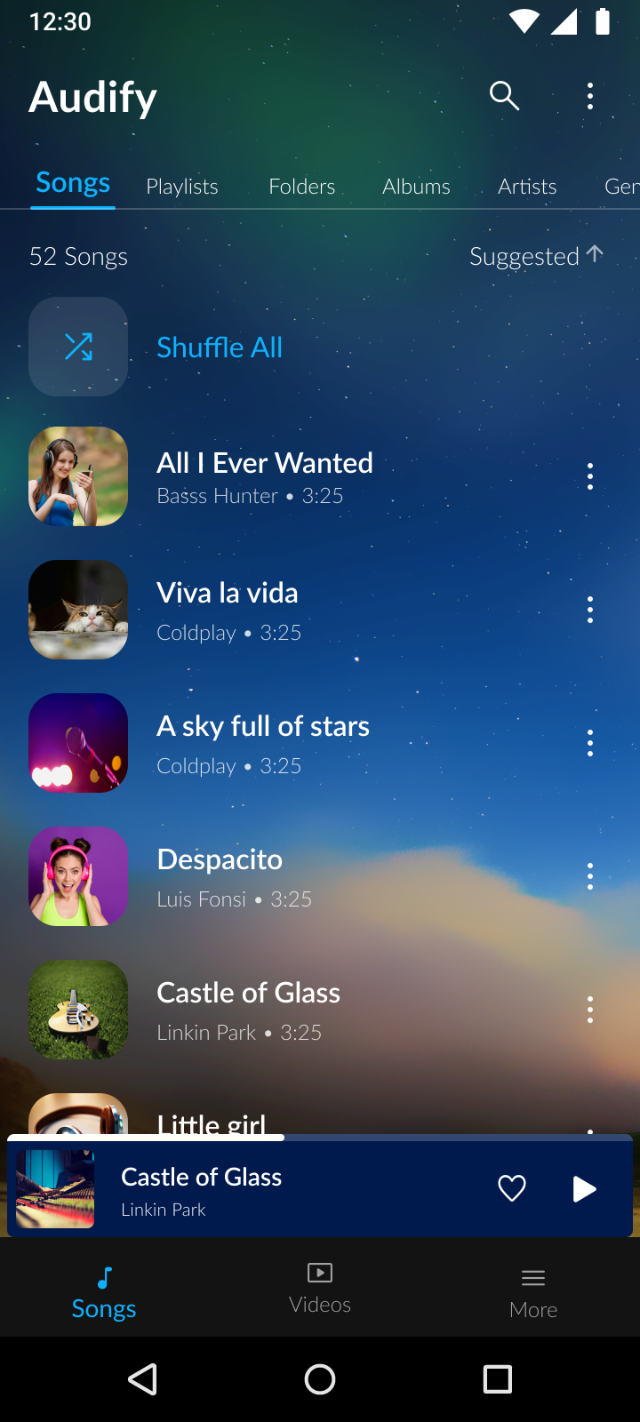
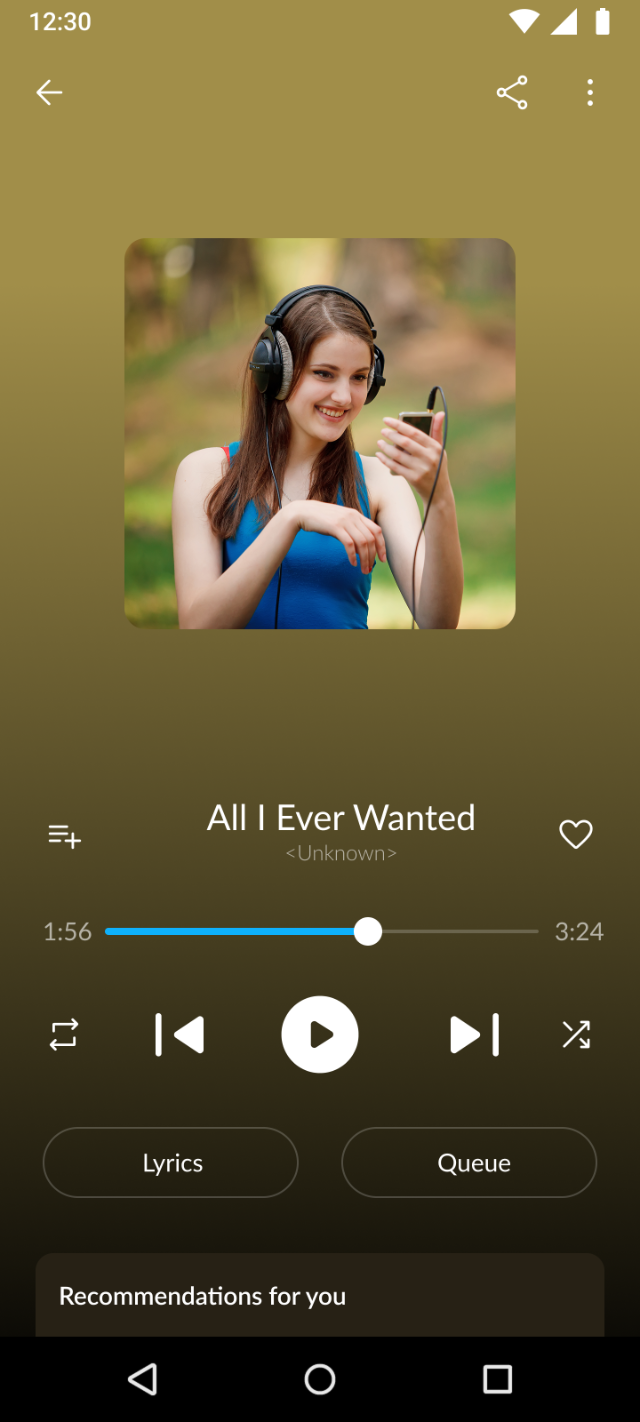
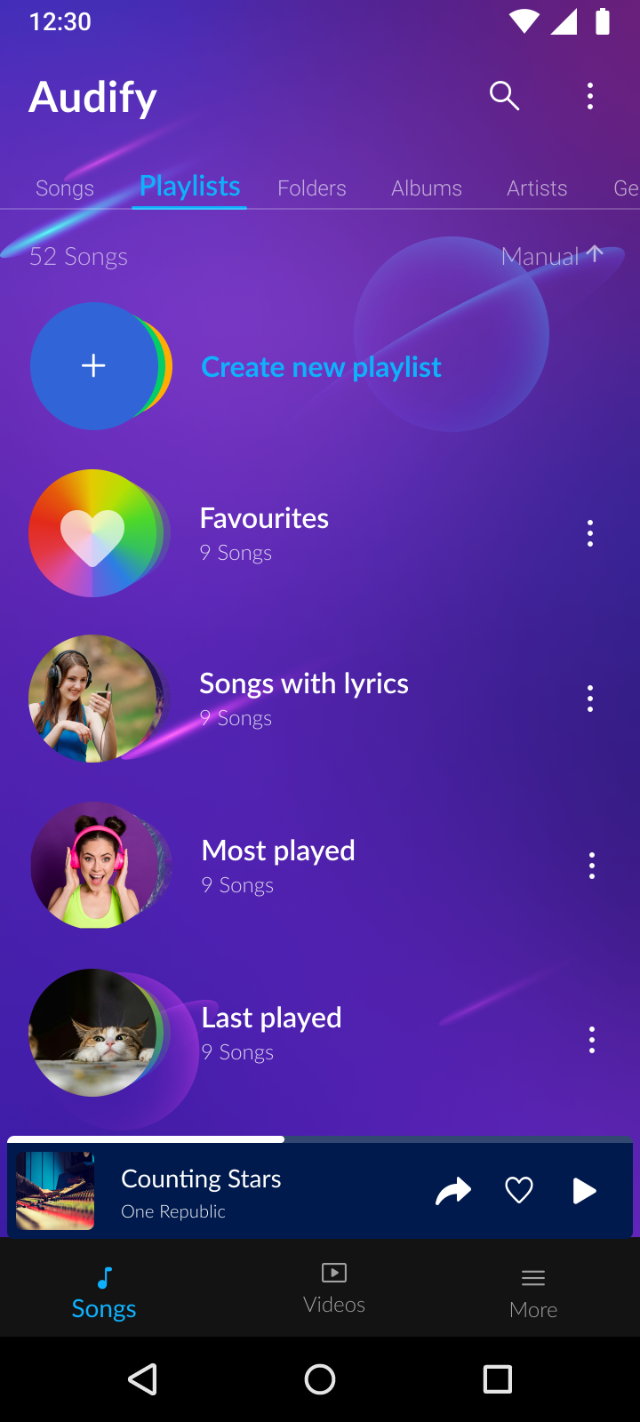
Equalizer: 10-band EQ with bass boost, virtualizer & reverb
Audify's built-in equalizer has ten adjustable bands plus dedicated bass boost and virtualizer controls, with reverb settings for room-style effects. If you prefer your phone's own audio processing, Audify also works with the Android system equalizer — you can switch between the in-app and system EQ.
Does Audify have a free equalizer? Yes — the 10-band EQ, bass boost, virtualizer and reverb are all included in the free version. No upgrade needed.
Offline playback: your library, no internet
Audify scans the music already stored on your phone and organizes it six ways — playlists, genres, folders, artists, albums and songs. Playback is fully offline: on a flight, underground or out of data, your music keeps playing. No account or sign-up is required, and you can share songs with friends nearby without internet.
Does Audify work without internet? Yes — playback is fully offline. Internet is only used for optional extras: lyrics, Chromecast and ads in the free version.
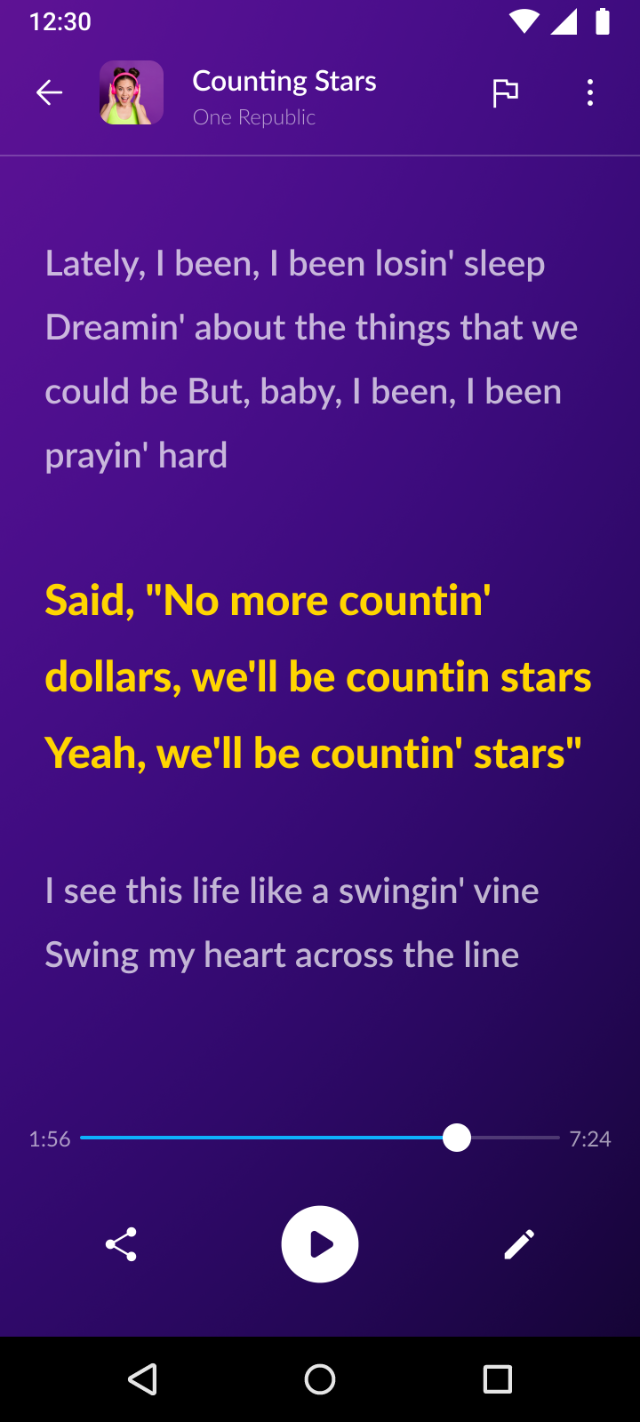
Lyrics: sing it, don't wing it
Open the playing screen and Audify shows lyrics for the current song — free and unlimited. Lyrics work across your local library, so you can follow along with tracks you've had for years, not just recent releases.
Are lyrics free in Audify? Yes — unlimited lyrics at no cost. Fetching lyrics is one of the few features that briefly uses the internet.
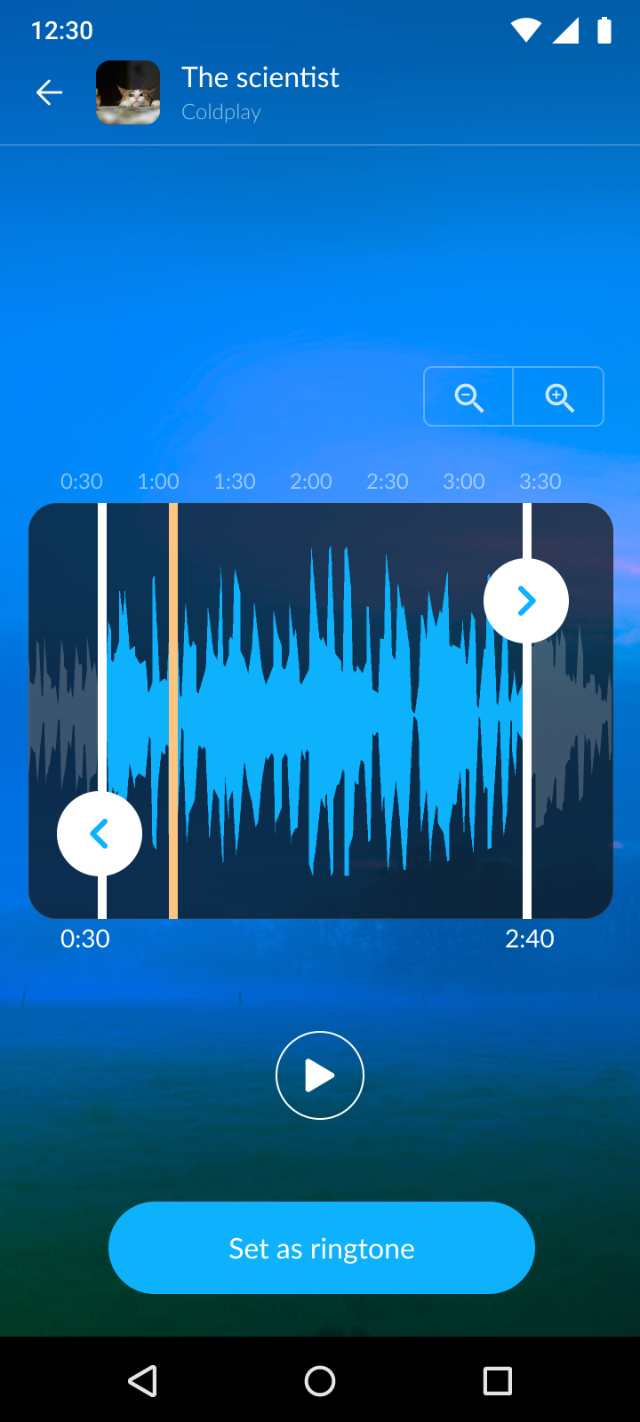
Ringtone cutter: any song, your ringtone
Trim any MP3 to the exact seconds you want and set it as your ringtone directly inside Audify — no separate cutter app, no file juggling. You can also set a song as your ringtone in one tap from its menu.
How do I make a ringtone in Audify? Open a song's menu, choose the ringtone cutter, drag the start and end markers, and save — Audify sets it as your ringtone.
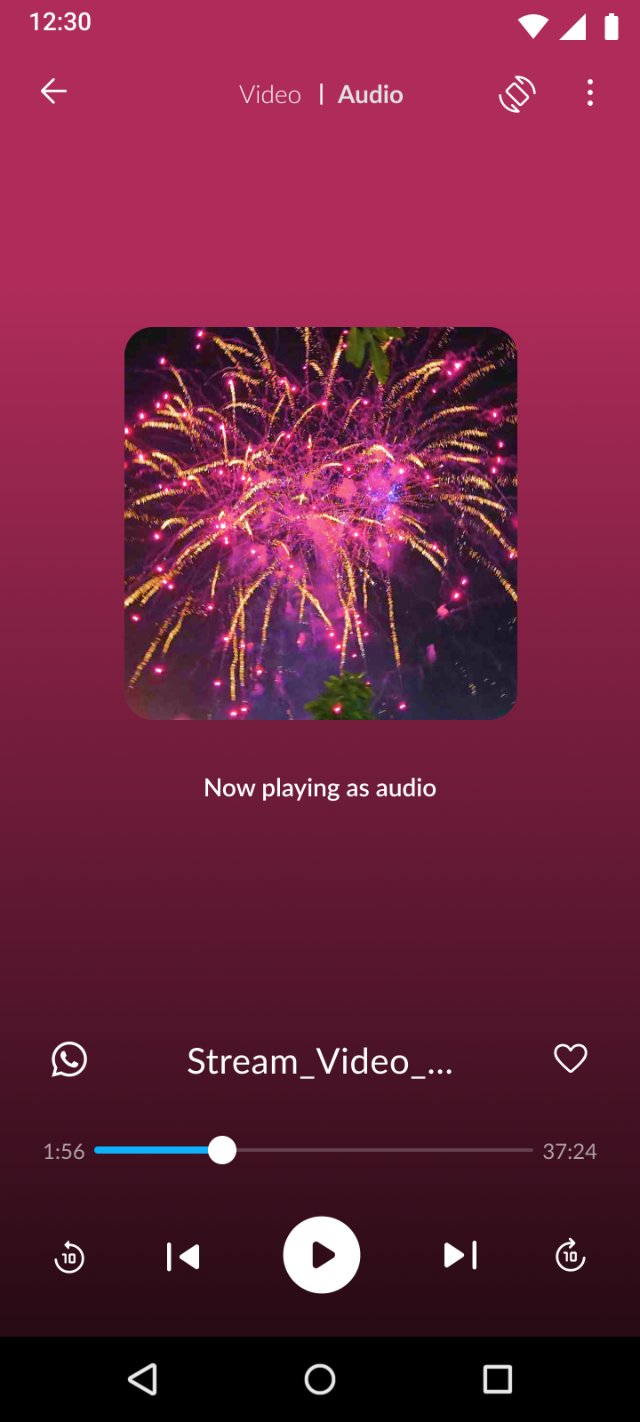
Video player with Chromecast
Audify manages music videos and local video files (MP4, MKV, WEBM, MOV, 3GP, AVI, WMV) in the same library as your songs — something most music players don't do. Cast music or video to a Chromecast device, and back up your videos to Google Drive.
Can Audify play videos? Yes — local video playback is built in, with Chromecast casting and Google Drive video backup.
Tag editor: fix messy titles and covers
Downloaded files often arrive as "track_final_02.mp3" with no artist or art. Audify's tag editor lets you correct the title, artist, album and other details by hand, and replace the cover with a photo or one found with Search Online.
How do I edit a song's tags? Open the song's menu and choose Edit Tags, change the title, artist, album or other fields, and tap Save.
Radio: 50,000+ live stations
Free internet radio by country, language and genre — with favorites and personalized picks, right next to your offline library.
Everything else in the box
Unlimited playlists, plus built-in Most Played, Recently Played and Recently Added.
Nature and solid theme sets, or use any photo from your gallery as the background.
Pause playback automatically after a set time — set it each session before you doze off.
Full home-screen widget support and an Add-to-Queue flow for playing songs in your order.
Create a Mix with a friend: invite them by link and you each add up to 15 songs.
Android Auto and voice assistant support, audiobooks, nearby sharing without internet — and CarPlay with Drive mode on iPhone.
Get every feature, free
100M+ downloads · 4.5★ on Google Play